Monitor together not alone
Collaborate on uptime monitoring with unlimited team members, role-based access, and domain auto-provisioning.
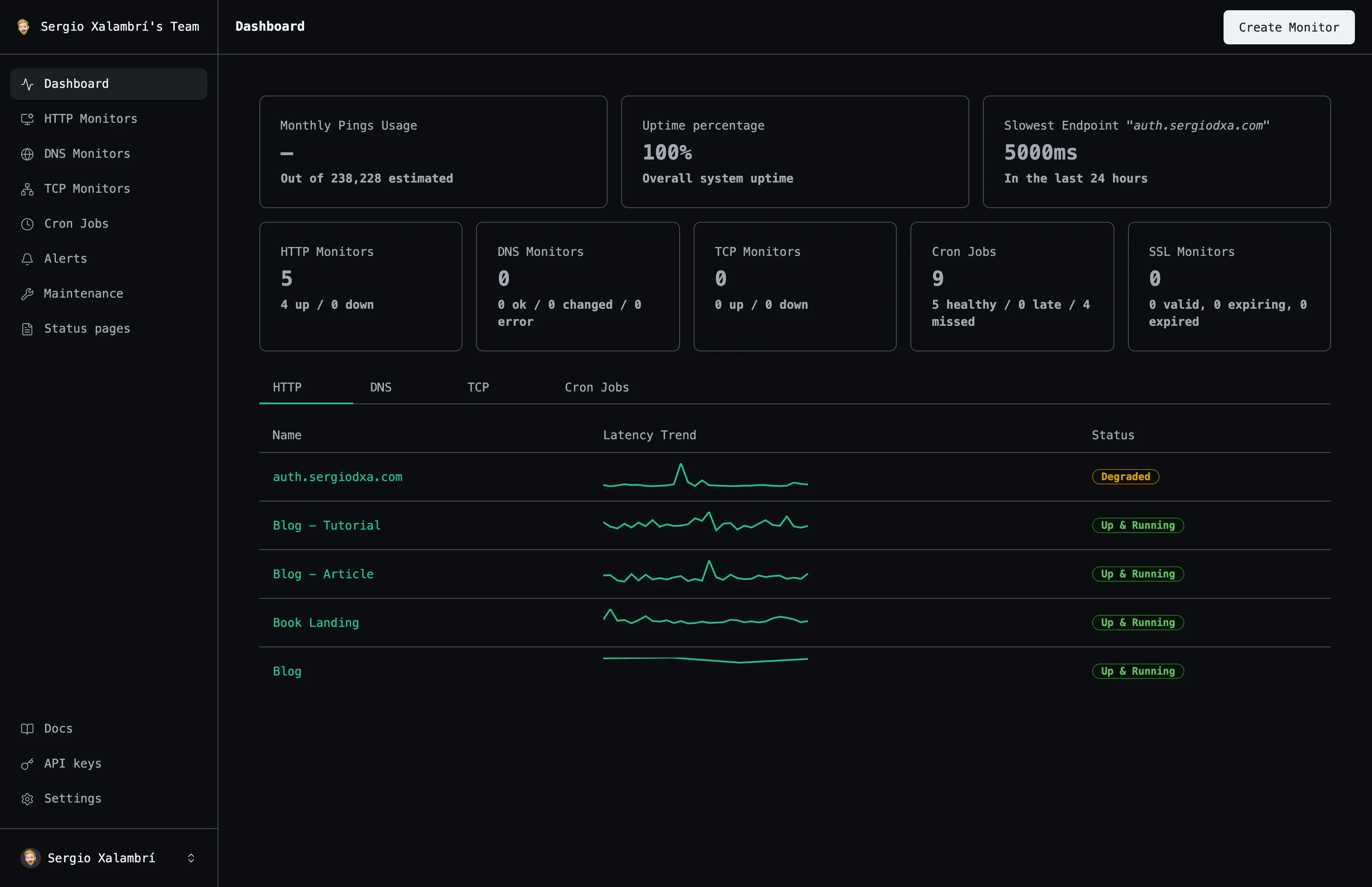
Team Members
Role Levels
Verification
Provisioning
Everything you need
A closer look at what you get, from the first check to the alert that reaches you.
Invite anyone
Send an email invite; the recipient joins with one click.
Role-based access
Owners and Admins manage settings, billing, and members; Members focus on monitoring.
Domain auto-provisioning
Verify a company domain so anyone with a matching email joins automatically.
Shared visibility
Every team member sees the same monitors, alerts, and status pages.
How it works
Three steps from an empty dashboard to checks that run on their own.
Create or join a team
Every account starts with a team you own.
Invite your team
Add members by email, or verify a domain to auto-provision.
Assign roles
Promote trusted teammates to Admin as your team grows.
Frequently asked questions
The questions people ask most before they start monitoring.
Do you support teams or shared monitors?
Yes — every user starts with a team. Invite members with Owner, Admin, or Member roles.
What does domain auto-provisioning do?
Verify a company domain via a DNS TXT record, and anyone signing in with a matching email joins automatically.
Start monitoring your services
Create your first monitor in under 2 minutes. No credit card required to start.