Understand your reliability at a glance
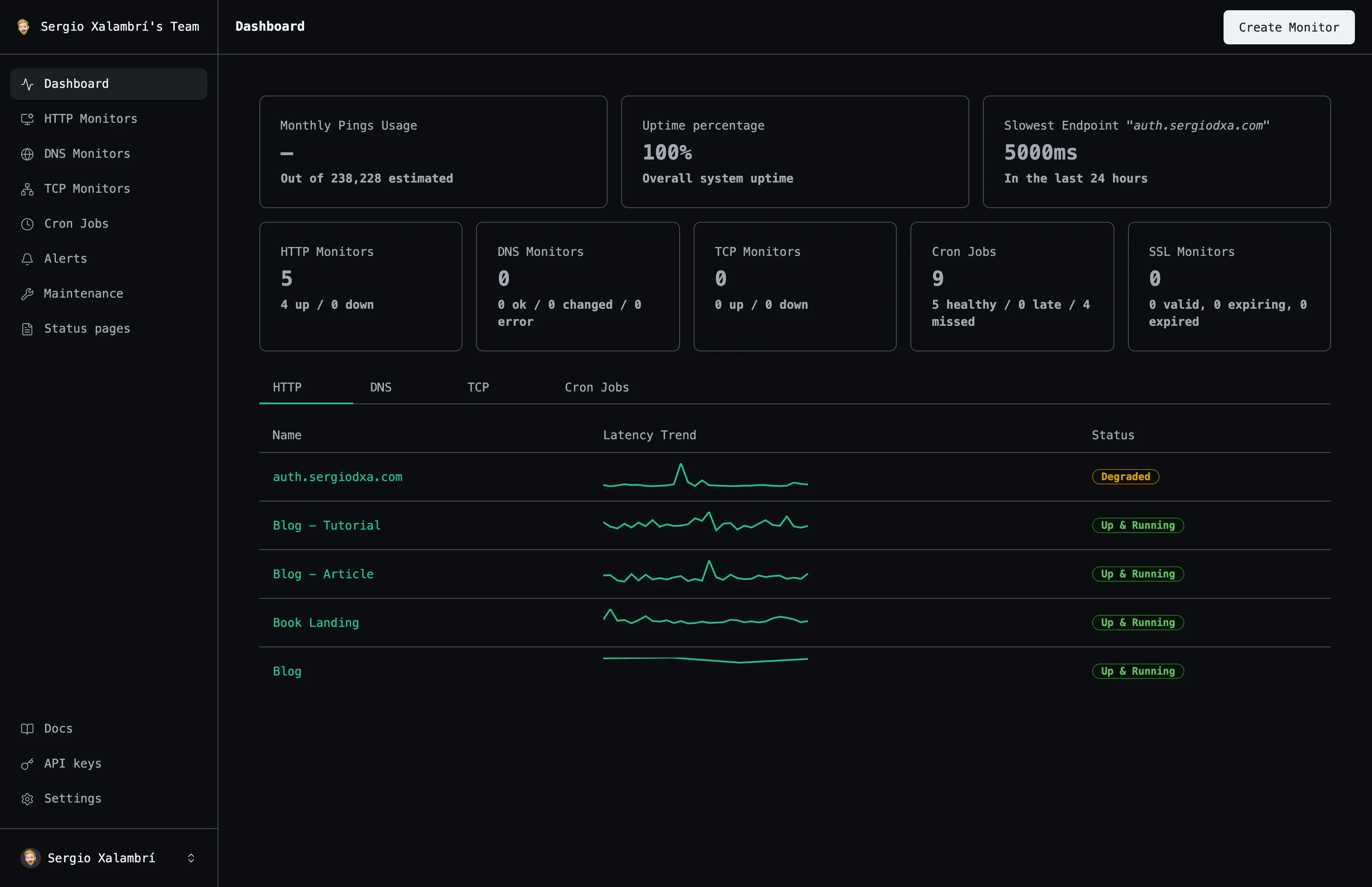
Visual uptime history, response time tracking, and 365 days of retained data across every monitor type.
Days Retention
Uptime History
Response Time
Analysis
Everything you need
A closer look at what you get, from the first check to the alert that reaches you.
Daily uptime history
See the last 90 days of daily uptime at a glance, per monitor.
Response time tracking
Track average and P99 latency to catch slow-but-not-down degradation.
Dashboard stats
Uptime percentage, ping usage, and slowest endpoint surfaced on your dashboard.
Per-type breakdowns
HTTP, DNS, TCP, and cron-job monitors each get their own aggregated daily stats.
How it works
Three steps from an empty dashboard to checks that run on their own.
Create your monitor
Point Uptime at the URL, domain, port, or scheduled job you want to track.
Choose how you're alerted
Connect email, Slack, Discord, or a webhook. Set cooldowns to avoid alert fatigue.
Watch the dashboard
See uptime history, response times, and status update as checks run automatically.
Frequently asked questions
The questions people ask most before they start monitoring.
How long is ping data stored?
365 days. After that, results are automatically deleted.
Can I view historical performance trends?
Yes — the last 90 days of daily uptime are charted per monitor, and daily results are retained for a full year.
What is P99 response time?
The response time under which 99% of your checks complete — a good signal of worst-case latency.
Start monitoring your services
Create your first monitor in under 2 minutes. No credit card required to start.