Make sure the page actually says the right thing
Verify specific content appears — or doesn't appear — on your pages. Check for keywords, patterns, or specific text to catch broken deploys and defacement.
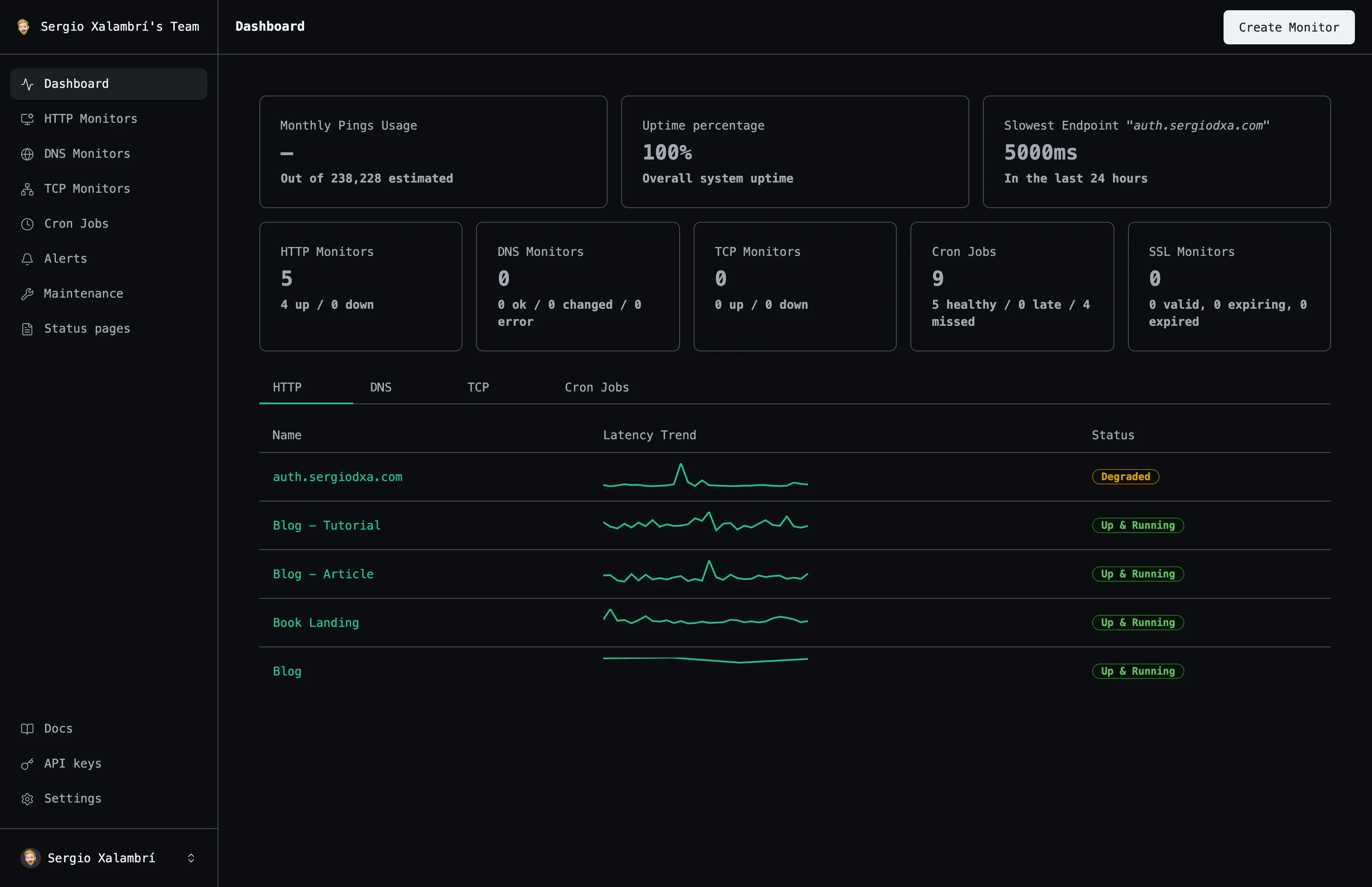
Detection
Validation
Patterns
Detection
Everything you need
A closer look at what you get, from the first check to the alert that reaches you.
Contains checks
Fail the monitor if expected text is missing from the response.
Not-contains checks
Fail the monitor if an error string or banned phrase appears.
Regex patterns
Match complex patterns beyond simple substring checks.
Stacked on any HTTP monitor
Add multiple content checks to the same monitor.
How it works
Three steps from an empty dashboard to checks that run on their own.
Add a content check
Attach it to an existing HTTP monitor.
Choose a check type
Contains, not-contains, or a regex pattern.
Get alerted on mismatch
A failing content check fails the whole monitor.
Frequently asked questions
The questions people ask most before they start monitoring.
What happens on an empty response body?
`not_contains` passes on an empty body; `contains` and regex checks fail, since there's nothing to match.
Can I check for multiple things at once?
Yes — add as many content checks as you need to a single monitor.
Start monitoring your services
Create your first monitor in under 2 minutes. No credit card required to start.